Shrink & Share Smaller Images
Compress any photo on your iPhone in seconds. Up to 90% smaller. 100% on-device. No subscription. No ads.
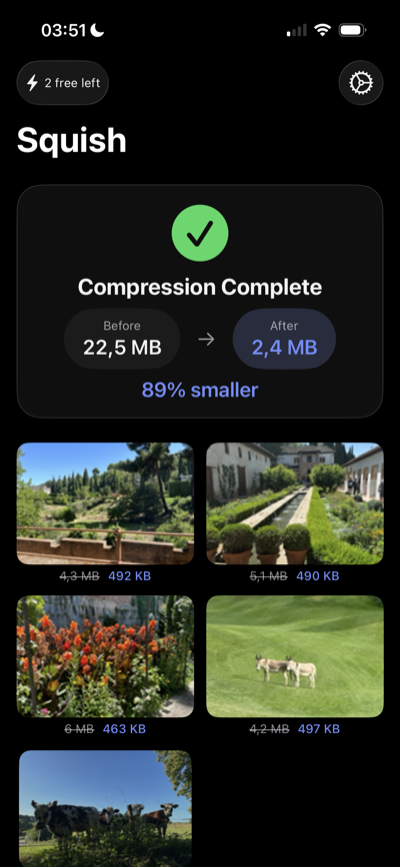
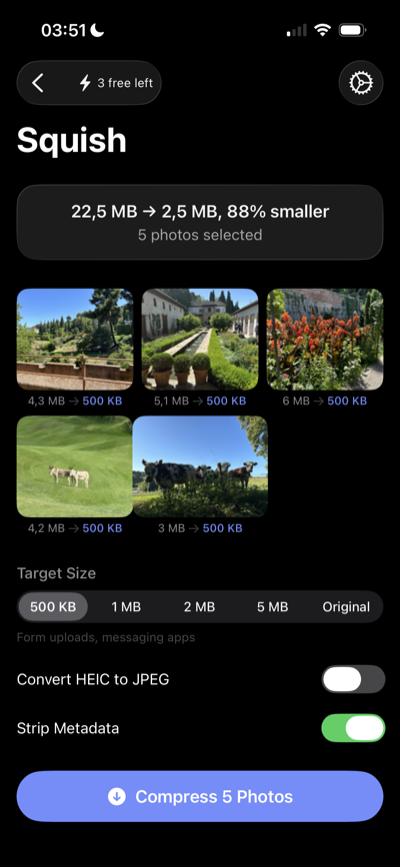
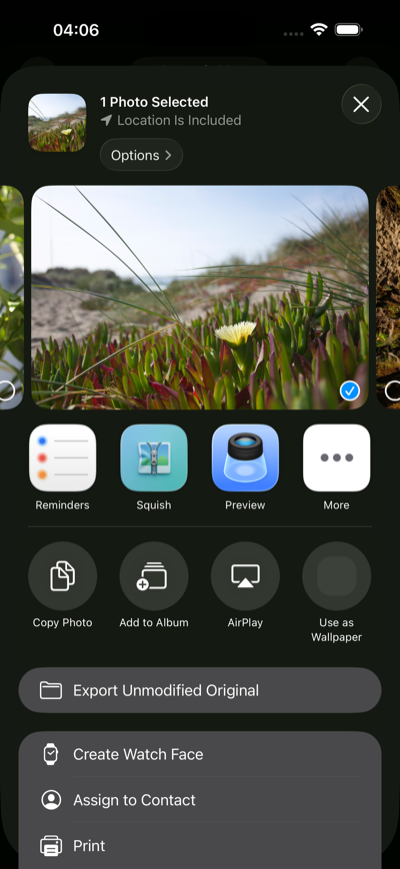
Compress any photo on your iPhone in seconds. Up to 90% smaller. 100% on-device. No subscription. No ads.
Select from your library or share directly from any app
Pick a preset (500KB to 5MB) or keep the original quality
Send compressed photos anywhere or save back to your library
Compress directly from the iOS share sheet — no need to open the app
Select up to 50 photos and compress them all at once
Full support for all major iPhone photo formats
Quick targets: 500KB, 1MB, 2MB, 5MB — pick the right size in one tap
Strip EXIF data for privacy or keep it — your choice
Your photos never leave your iPhone. No servers, no uploads, no cloud
Select photos and choose your target size
See exactly how much space you saved
Launch Squish from any share sheet
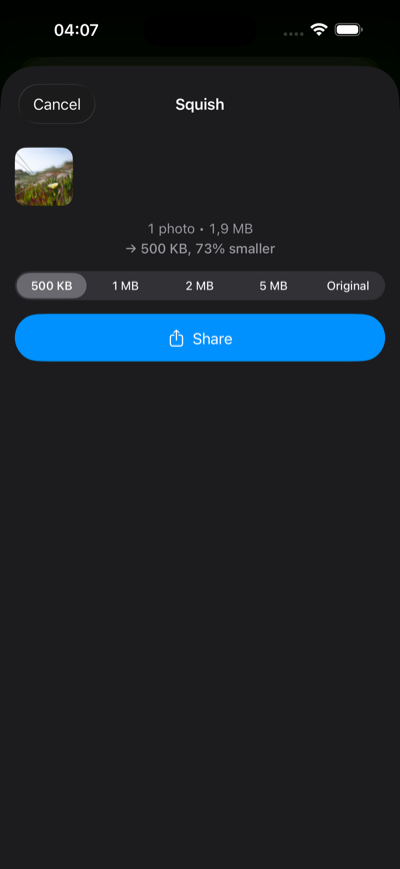
Compress right from the share extension
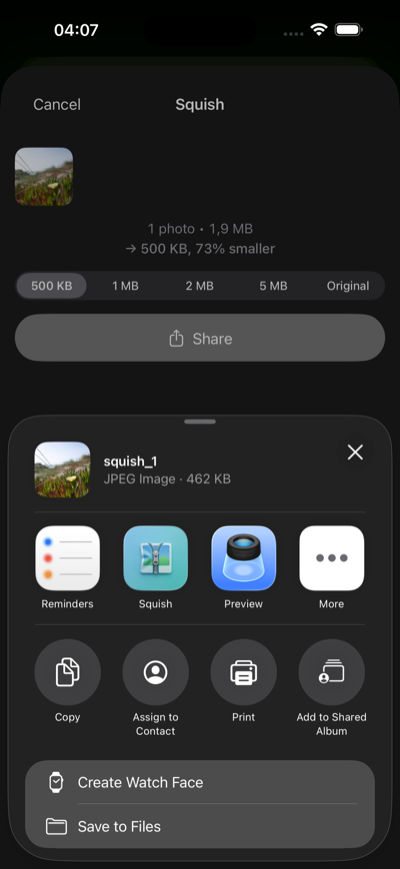
Share your compressed photos instantly
Squish processes photos locally. Nothing is uploaded to a remote compression server, and you do not need an account to use the app.
Your images stay on your iPhone during compression. Squish does not upload originals to a cloud compression service.
The Squish app has no ad networks or account login. Website analytics are separate from in-app photo processing.
No sign-up, no email, no login. Download and start compressing immediately.
Squish uses advanced iOS image compression APIs to reduce file size while preserving visual quality. The compression is lossy for JPEG/HEIC and lossless optimization for PNG.
JPEG, PNG, and HEIC — the three formats used by iPhone cameras and screenshots.
500KB (form uploads, messaging), 1MB (email attachments), 2MB (balanced quality), 5MB (light compression), and Original (format conversion only).
Select a photo in any app, tap the share button, choose Squish, pick your target size, and share the compressed version directly.
3 compressions per day, all formats, all presets, and the share extension. Pro unlocks unlimited compressions and batch processing.
The Squish app processes photos on your device and does not upload them to a remote compression server or require an account. This marketing website uses basic analytics to measure page visits.
Yes. Pro users can toggle metadata stripping to remove EXIF data (location, camera info) before sharing.
No. Squish Pro is a one-time $2.99 purchase. No subscription, no ads, no hidden fees. Pay once, yours forever.
Join thousands of iPhone users who save time and space with Squish.